
Hand out new jobs, and who gets which
Every weekly import's jobs in your area, each with the rep it should go to and the reason. Hand out one, a builder's jobs, or the whole import. Nothing reaches a rep until you do.
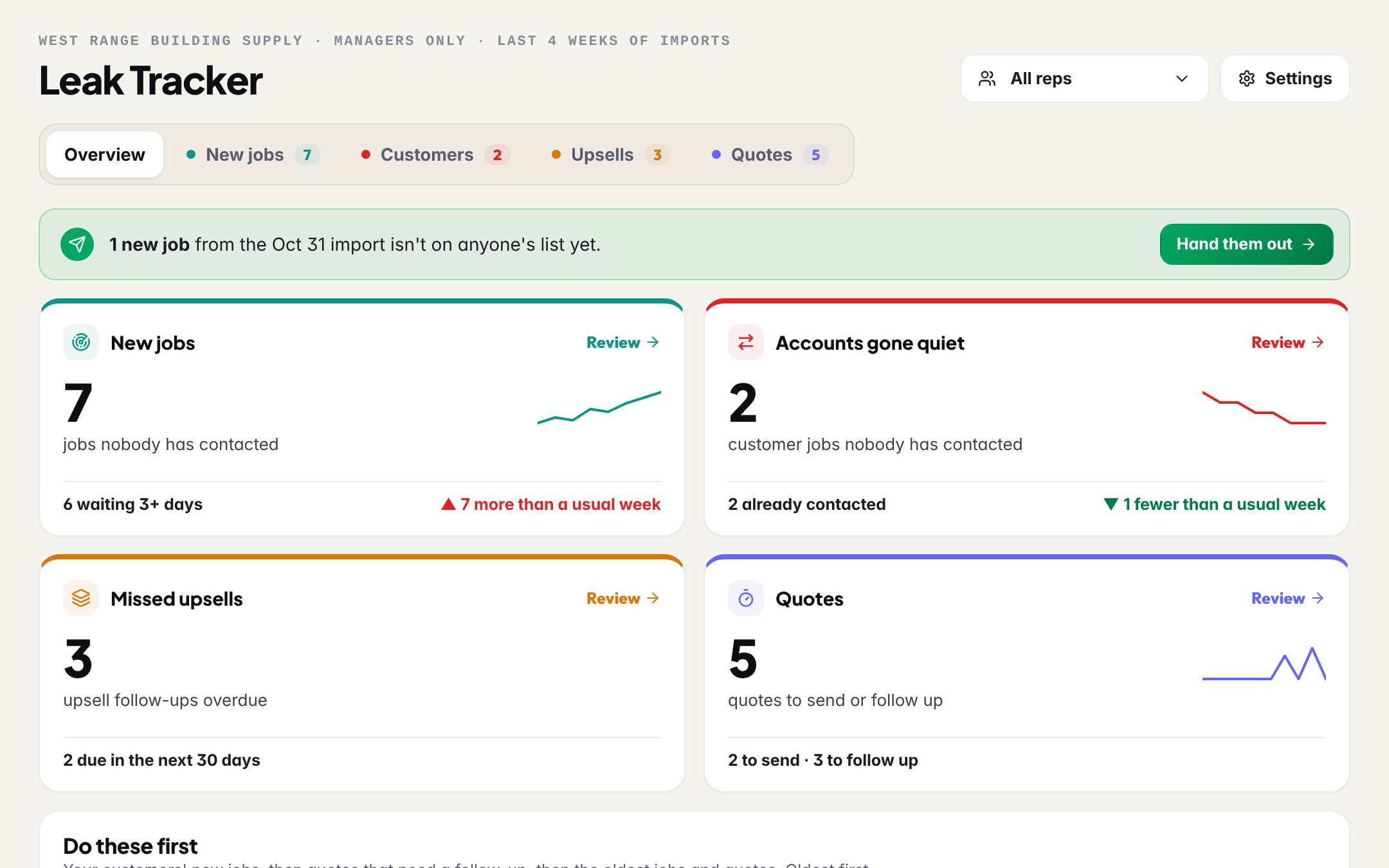
New permits land with every weekly import. The New jobs tab of the Leak Tracker shows the latest import's jobs in your area that nobody has yet, each with the rep BuildMapper thinks should work it and the reason written on the row. Read it, change a rep where you know better, and hand it out. The job lands on that rep's pipeline at New and in their bell.
Who gets a job, in order
| Rule | Where it comes from |
|---|---|
| The rep who owns the account | Your customer list, or set by you. |
| The rep your customer list names | A rep column in the file. Link each name to a teammate once, in Settings. |
| The rep who has worked that builder | Past leads with that builder on their pipeline. Shown as a hint, never as fact. |
| The rep who covers that city or type | Each rep's City, Type and Value, set in Settings under Who gets what. |
| Next up | Shared across your reps, lightest load first. |
Every row shows which rule picked its rep. Change any of them before you hand it out.
Hand it out
- 1Read the rowsEach one is a builder, the build value the city recorded, the address and the project type, with the rep and the reason. A builder's jobs sit together under one line.
- 2Change a rep where you know betterPick another rep on the row. Nothing has gone anywhere yet.
- 3Hand out one, a builder's jobs, or the lotOne job, all of a builder's jobs together, or the whole import at once. Each rep is told, and the job is on their pipeline at New.
Still not contacted
Under the hand-out, Still not contacted lists every job nobody has called or emailed, oldest first: earlier imports, and jobs already on a rep's list. A job counts as contacted when a call or an email is logged on it, or its card moves past New. Each row has Nudge (a Team Chat message to the rep you read before it goes) and Assign or Reassign.
Reassigning a card keeps its stage, notes and documents. When the other rep already has that project on their board, BuildMapper refuses the move and offers to remove the extra copy instead, so one deal never shows twice on one board.