
The tools 3 min read
Subscribe your calendar (Google, Outlook, Apple)
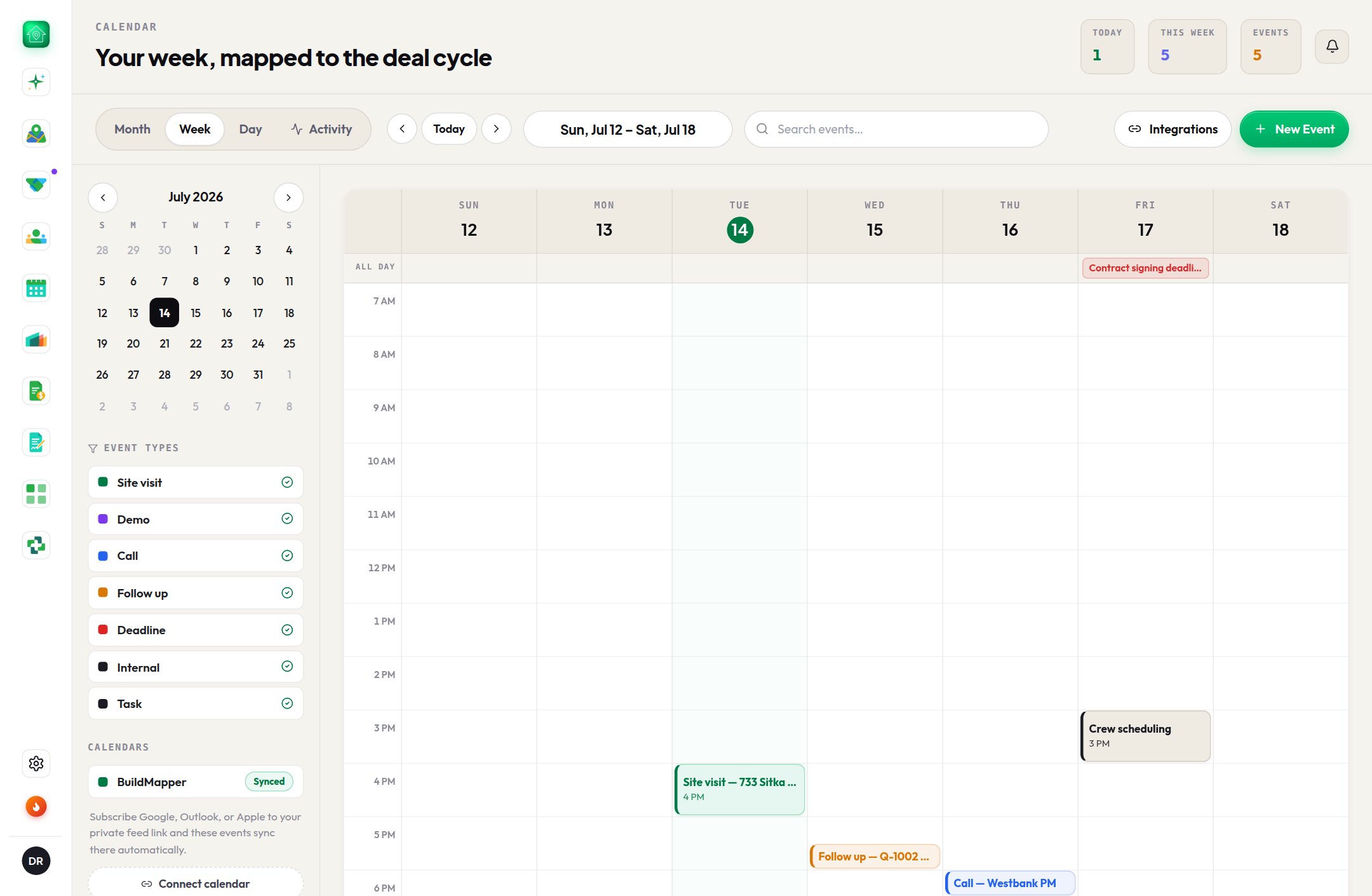
One private, read-only link, added once. Every site visit and follow-up you create in BuildMapper shows up in the calendar you already live in.
This guide is hands-on. Follow along in the app.
A free trial takes two minutes: 25 project views or 14 days, whichever comes first. No card.
- 1Copy your private linkCalendar → Sync (also in Settings → Integrations). It is a read-only .ics feed unique to your account. Direct links open Google and Outlook on the web; Apple Calendar takes the webcal link.
- 2Add it onceGoogle or Outlook: Add calendar → From URL, paste. Apple: subscribe with the webcal link. The feed keeps itself current from then on.
- 3What shows upEvery BuildMapper event you create: site visit, demo, call, follow-up, deadline, internal, task. Attach a permit or a company and each carries its deal context. It is one-way: your personal events are never read or changed.
- 4Refresh and resetCalendars refresh on their own schedule (Google up to a day, Outlook a few hours), so a new event takes a little while to appear. Reset the link any time to revoke the old one.