For LBM sales managers

Sales tracking for lumber yard and LBM reps

Know which new jobs nobody at the yard has called, which contractor accounts have gone quiet and which quotes are waiting, without asking every rep for a spreadsheet on Friday.

Start a free trialThe Leak Tracker in depth
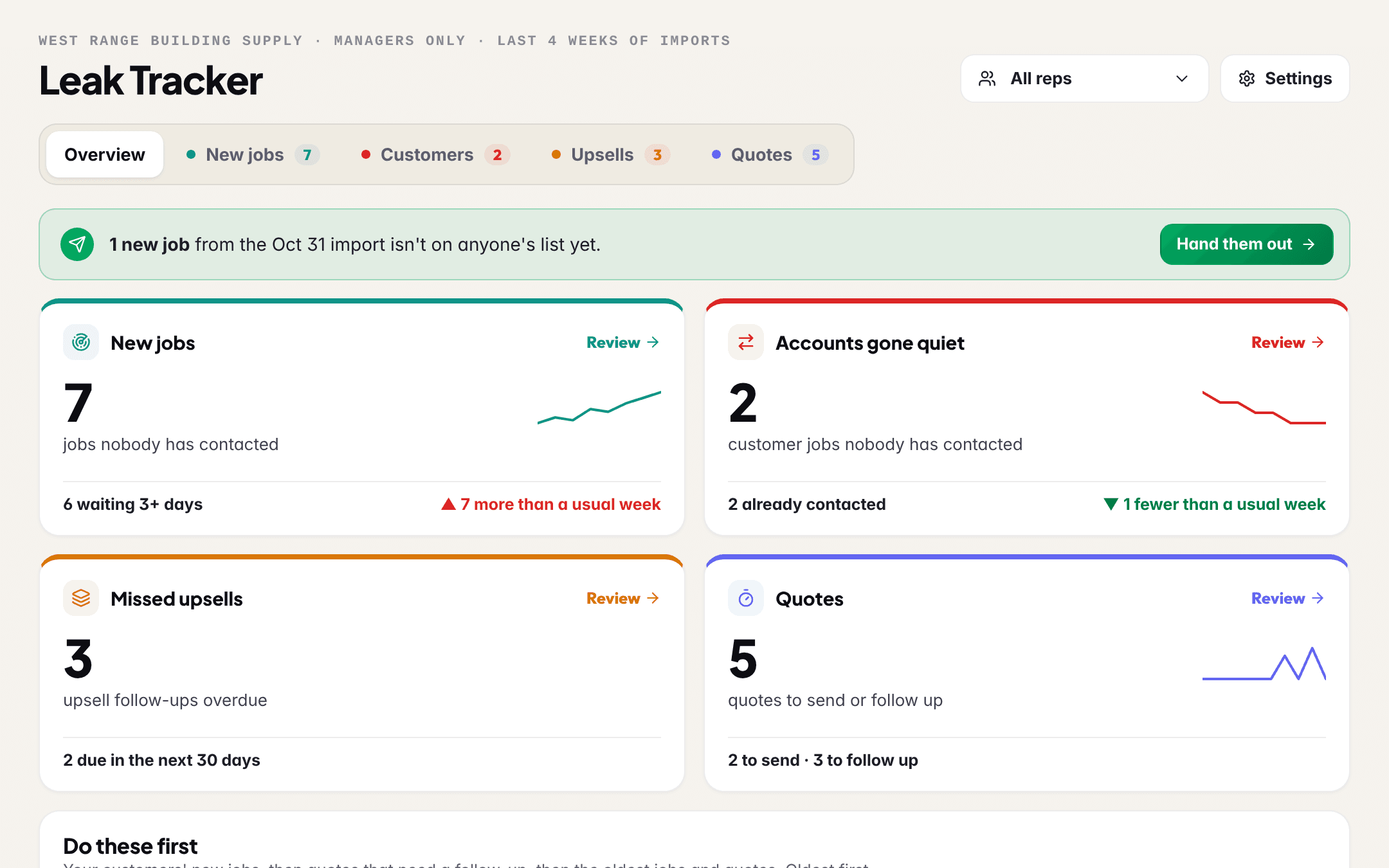
The Leak Tracker: new jobs nobody called, accounts gone quiet, missed upsells and quotes waiting on a follow-up

How it works

  1. New jobs from the week's permits are handed out to reps.
  2. Each rep opens their own list of what to do first.
  3. Calls, emails and quotes are logged as they happen.
  4. The manager sees what was missed, by rep and by account.

Four leaks, one page

The Leak Tracker shows a sales manager four things: new jobs nobody called, accounts gone quiet (customers who used to buy and have stopped filing or ordering), upsells missed on jobs you won, and quotes that went out and were never followed up.
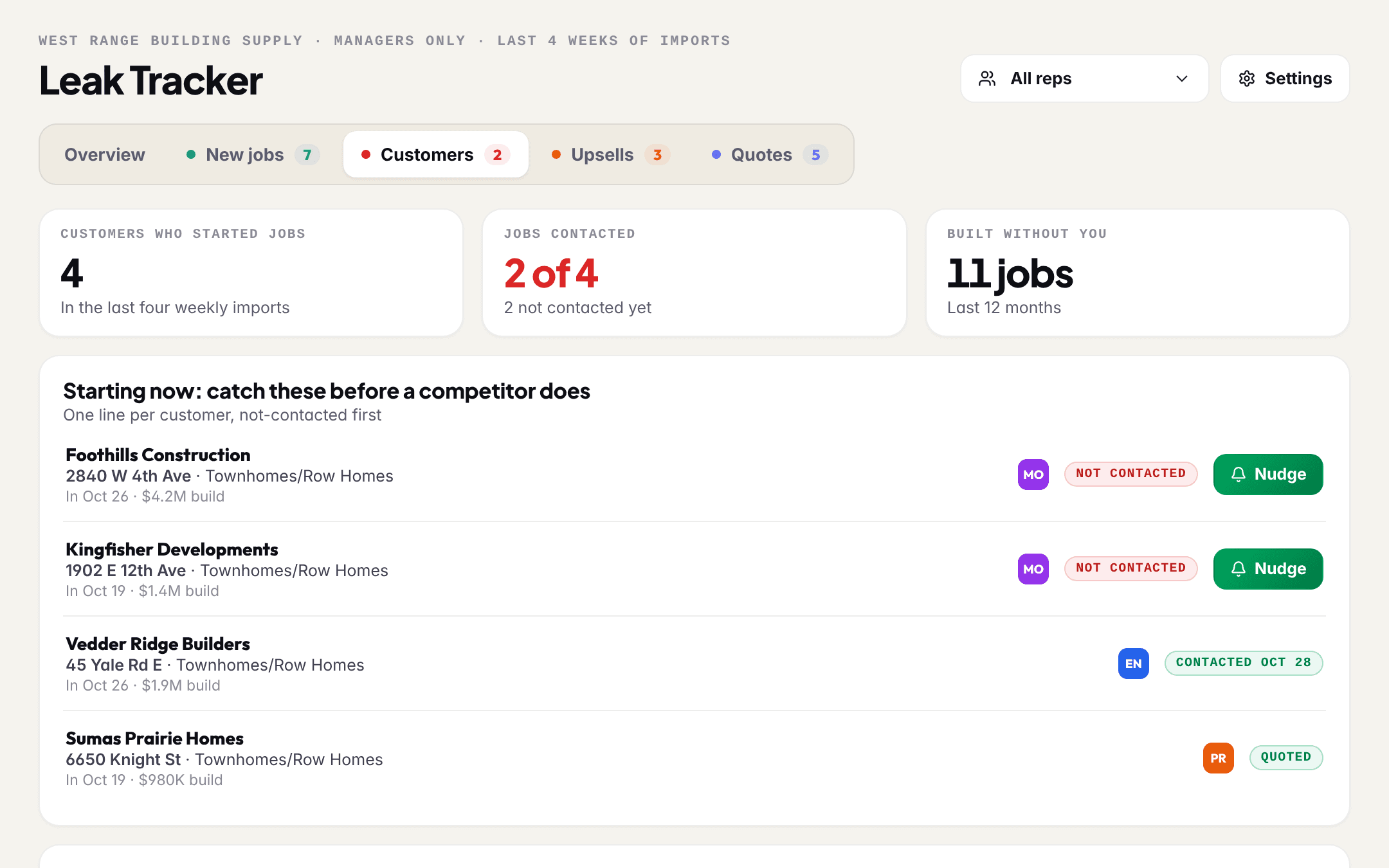
Accounts gone quiet: customers who used to file permits and buy, and have stopped

Each rep sees their own day

A rep opens their own view: the jobs to do first, each with one button to get it done, and Scout, the AI assistant, ready to draft the email or find the builder's number. Nothing about the rest of the team is in their way.
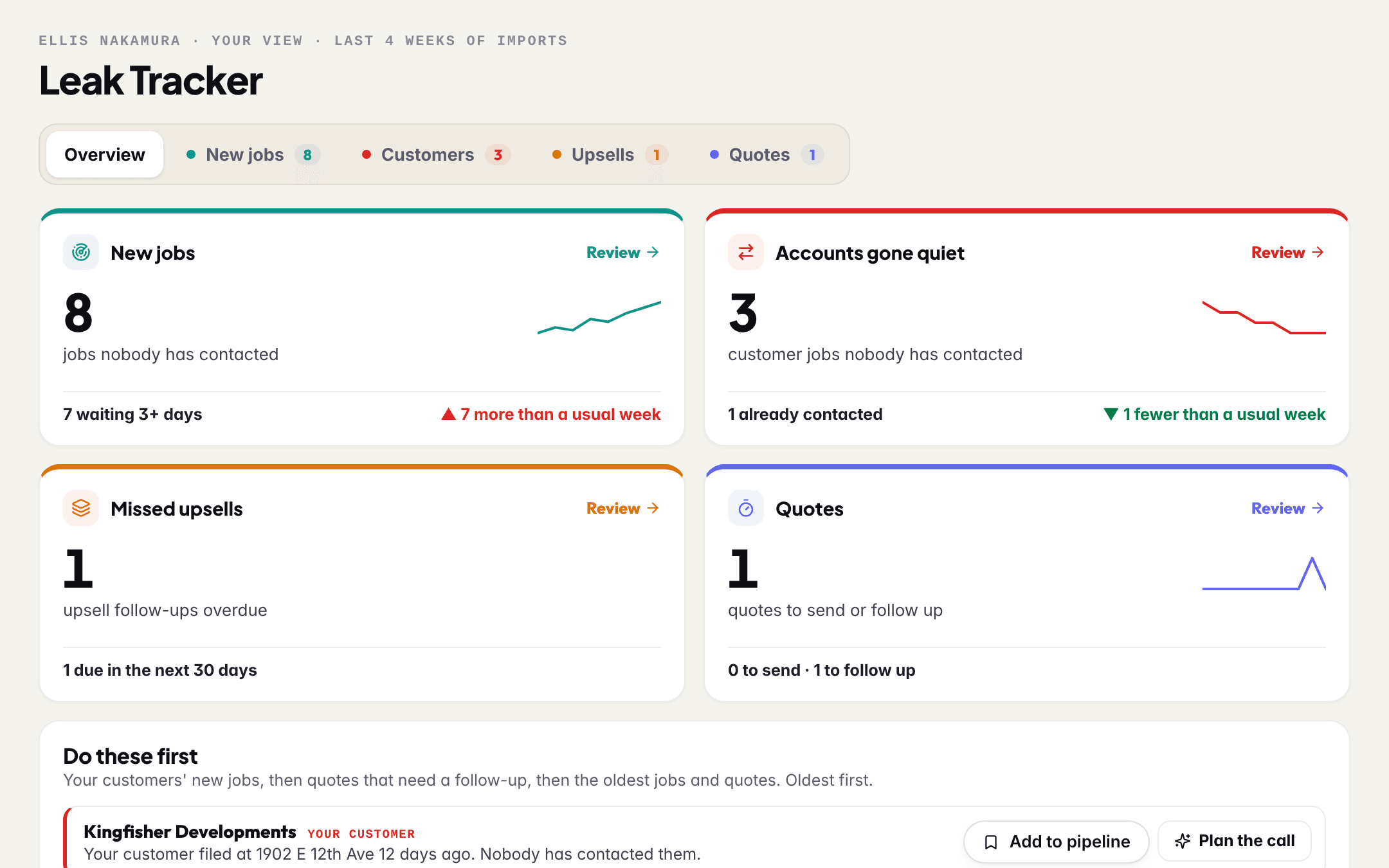
A rep's own view: the jobs to do first today

Handing out the week's jobs

Set each rep's cities, project types and value range once. Every week's new permits are proposed to the right rep, with the reason (they own the account, the builder worked with them before, it is their area), and a tap assigns them.

Common questions

Do reps have to log everything by hand?

No. Emails and calls started from BuildMapper are logged on the project, and moving a card logs the stage change. Reps add a note when there is something to say.

Can a rep see other reps' accounts?

A rep sees their own list. A manager sees the team.

Related

A CRM built for lumber yards and LBM dealersWhat a lumber yard needs from a CRM

Where the leads come from: building permits by city · Pricing